A starting point, already composed
Templates provide a layout around the material you add, so you can focus on choosing the right direction.
Tale Studio helps small brands and creators build product visuals with AI. Choose a template or use an image as a style reference, add your material, and review the generated image.
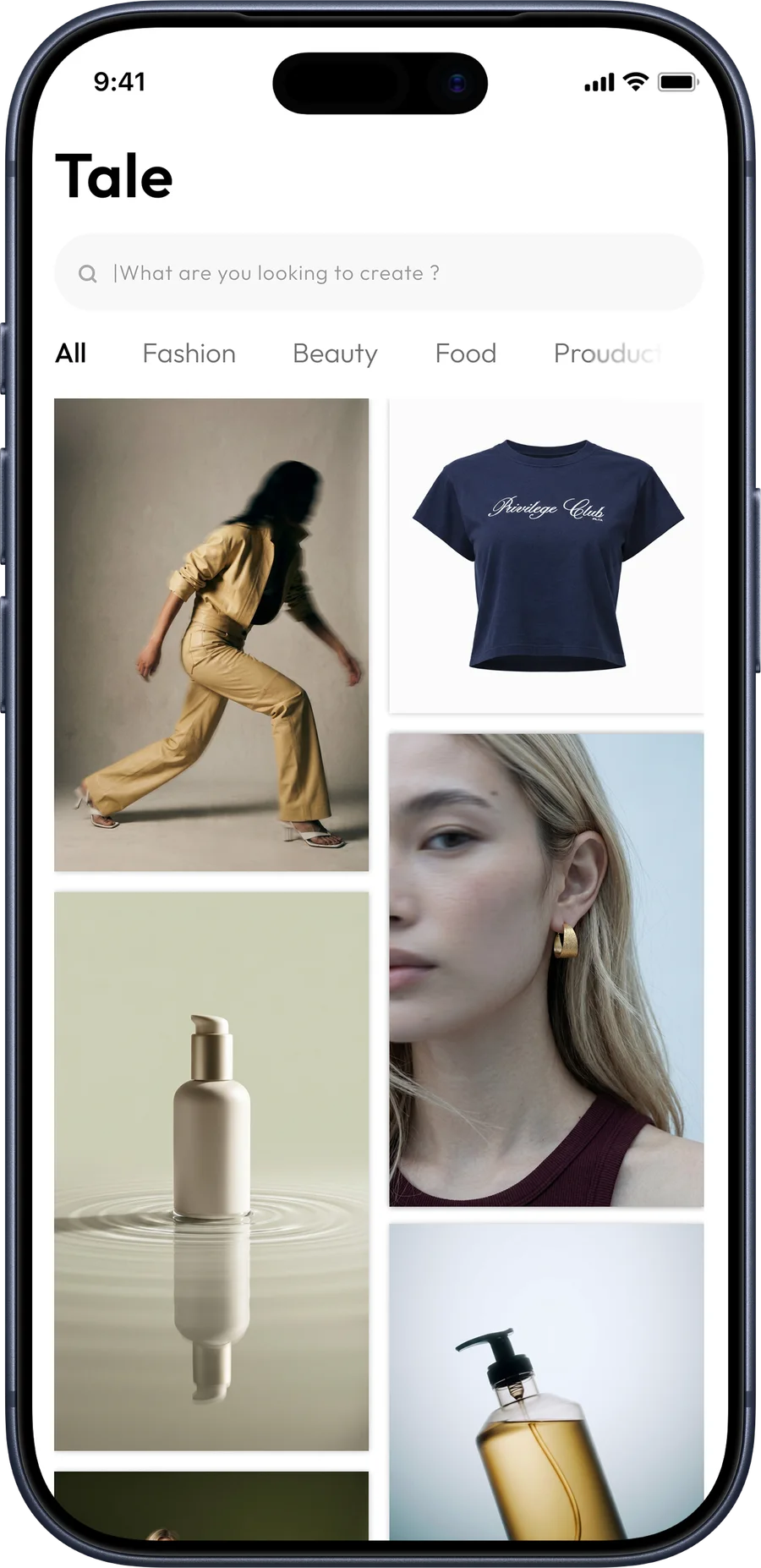
Browse templates for a category such as fashion, beauty or food. A style reference offers another starting point for the image you want to create.
Add the product photo or other images requested by the selected workflow. Use images you own or have permission to use.
Check the generated result against your product, then save the image or share it from your phone. Review details and suitability before publishing.
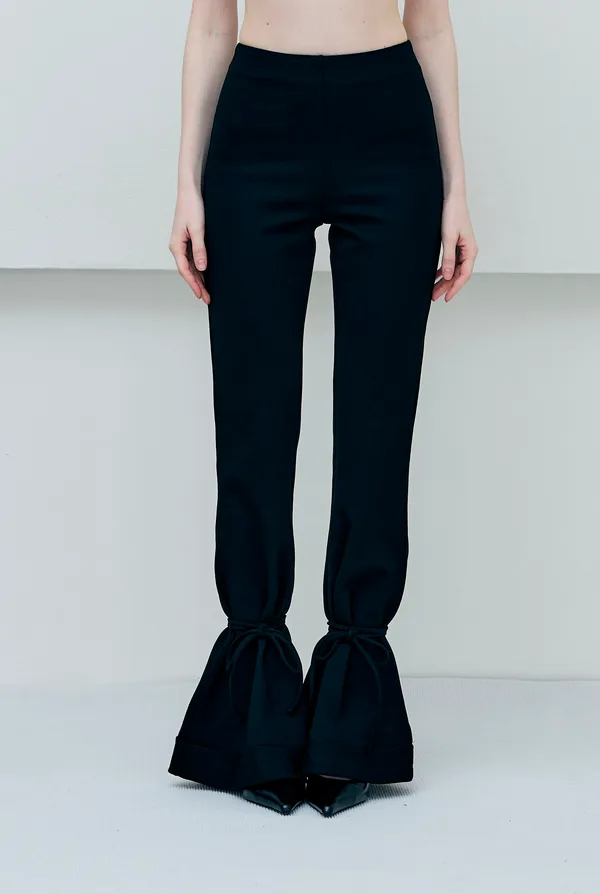 Source photo
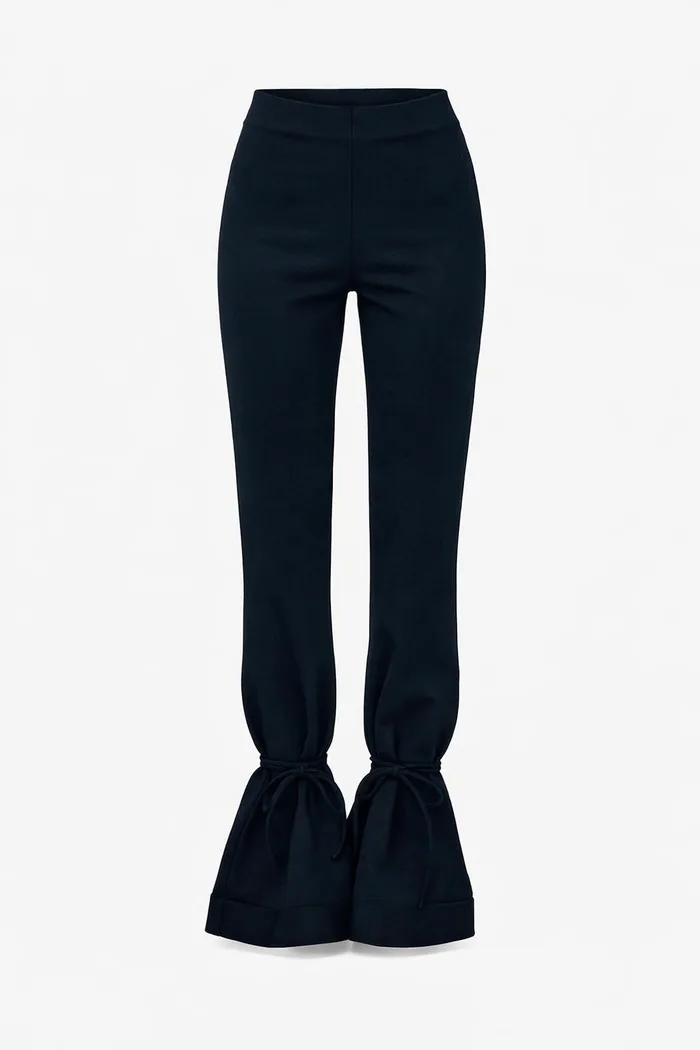 Generated product image
Templates provide a layout around the material you add, so you can focus on choosing the right direction.
Tale Studio’s product website describes support for both Thai and English.
Current app availability, features and any paid options are described on the product website and store listing.
Product questions, feedback and business conversations start with a message.
Contact The Tale